 Smart Jelly
Emails, documents, sheets and slides.
Ask in plain words. Jelly writes it from what you discussed, in your tone, and shows it to you first. Change anything, then press the button.
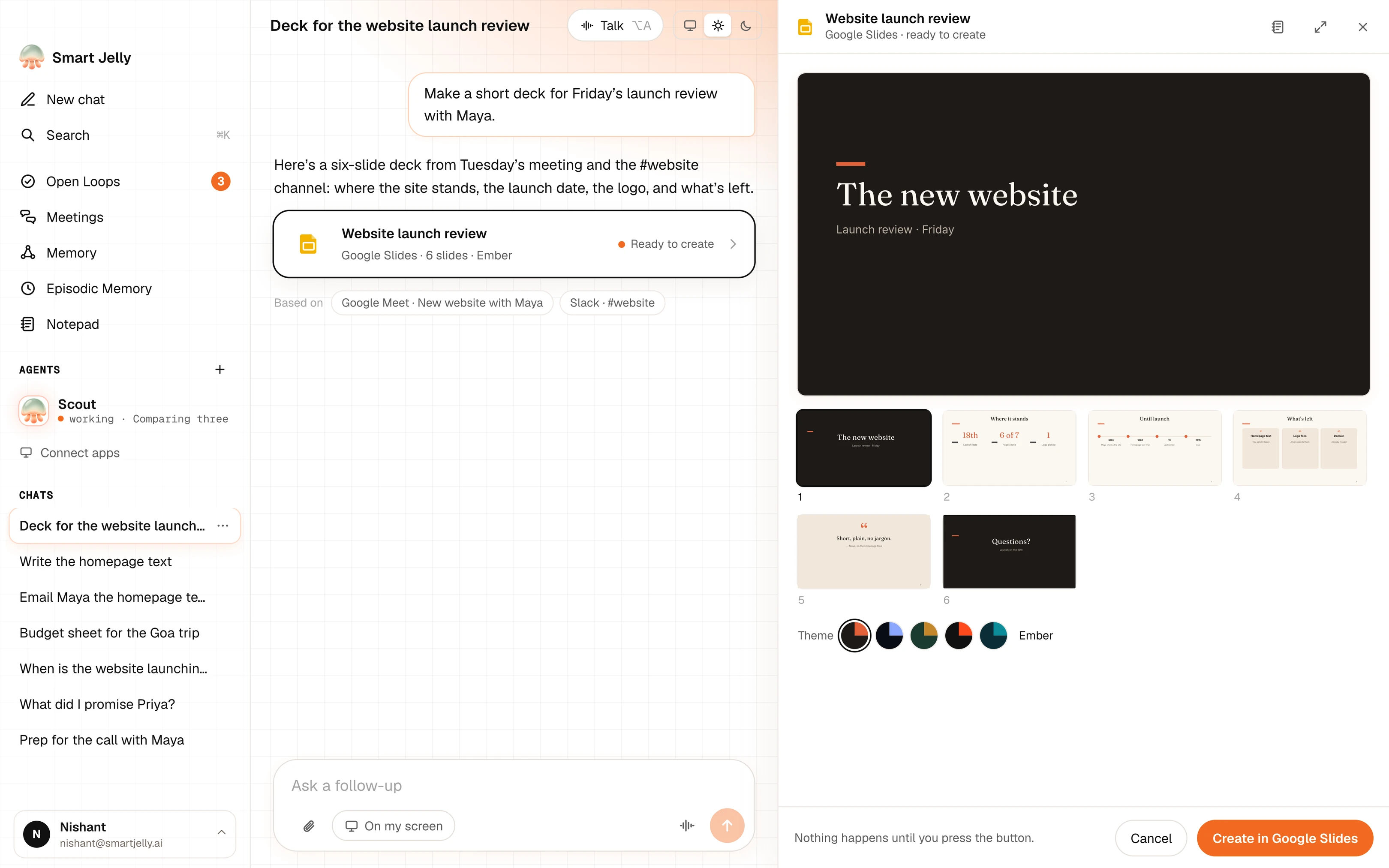
“Make a short deck for Friday’s launch review with Maya.”Based on Tuesday’s meeting and #website
In a chat, typed or spokenAsk for itA deck, a document, a sheet, an email or a calendar event.
In the side panelCheck itChange the text, the theme or who it goes to. Type straight into it.
Only when you say soPress the buttonIt is created in your Google account. Nothing happens before that.
Four kinds, one way of working
You see it before it exists.
SlidesGoogle Slides
“Make a short deck for Friday’s launch review.”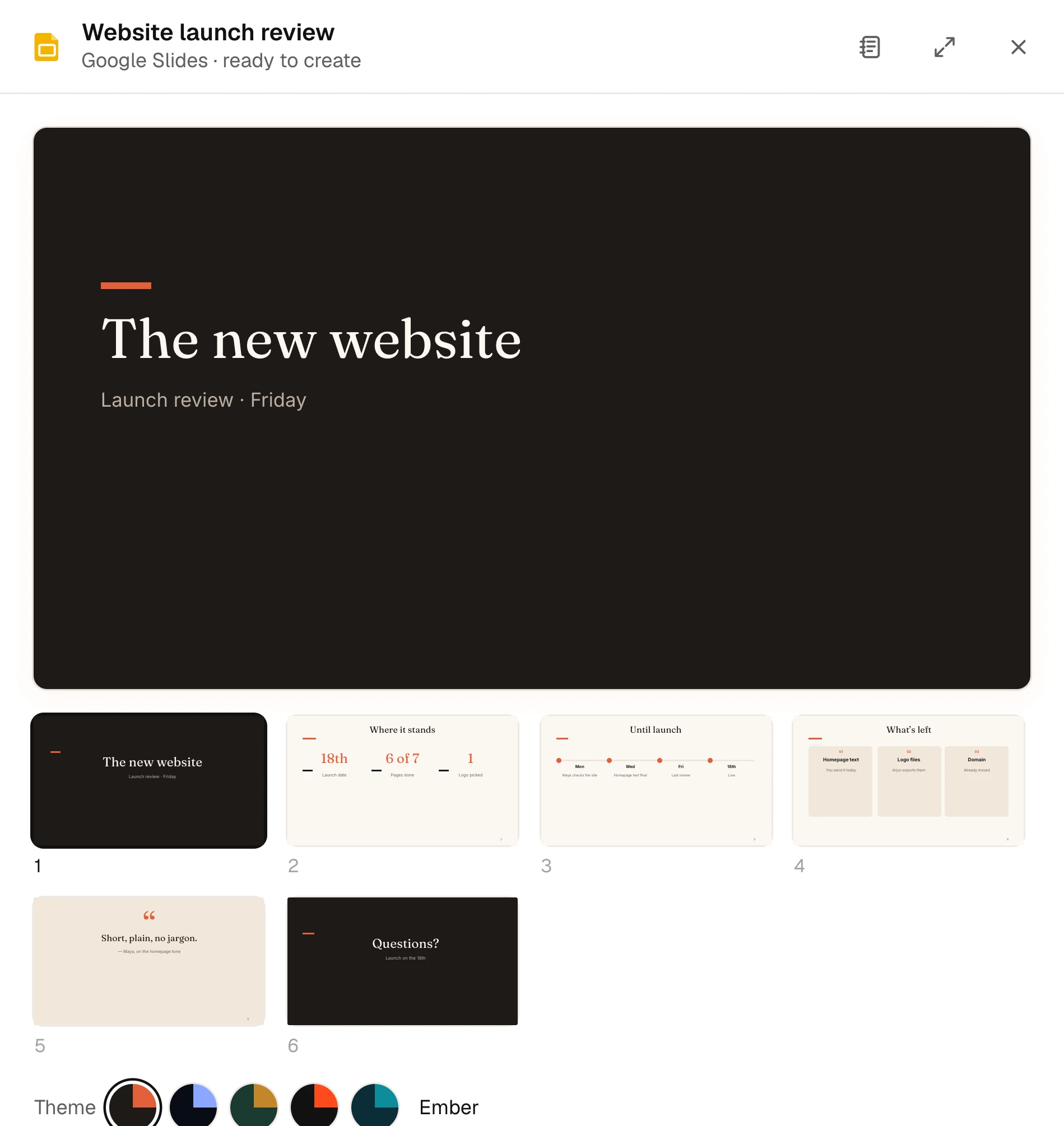
DocumentsGoogle Docs
“Write the homepage text for the new website.”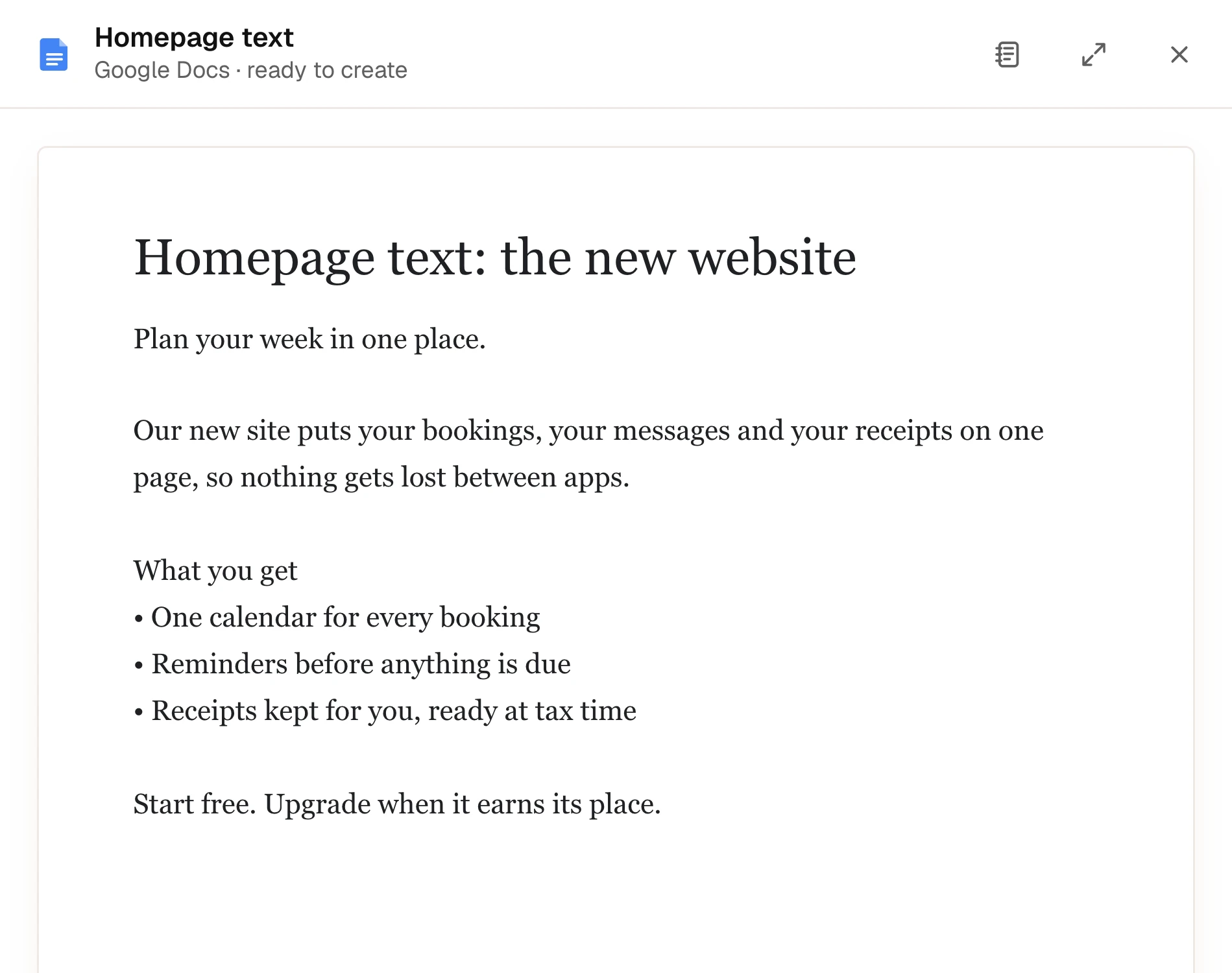
EmailGmail
“Email Maya the homepage text.”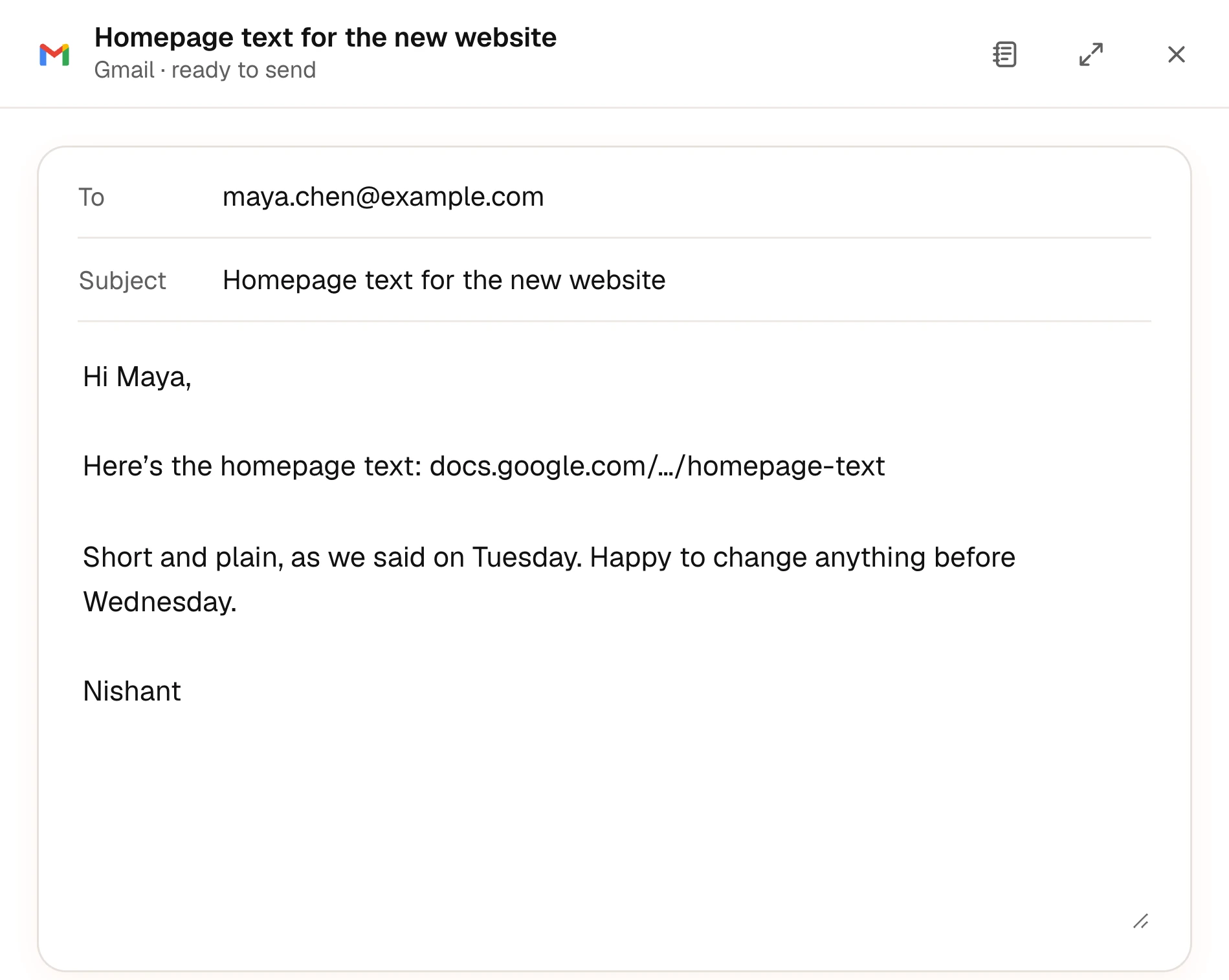
SheetsGoogle Sheets
“Make a budget sheet for the Goa trip.”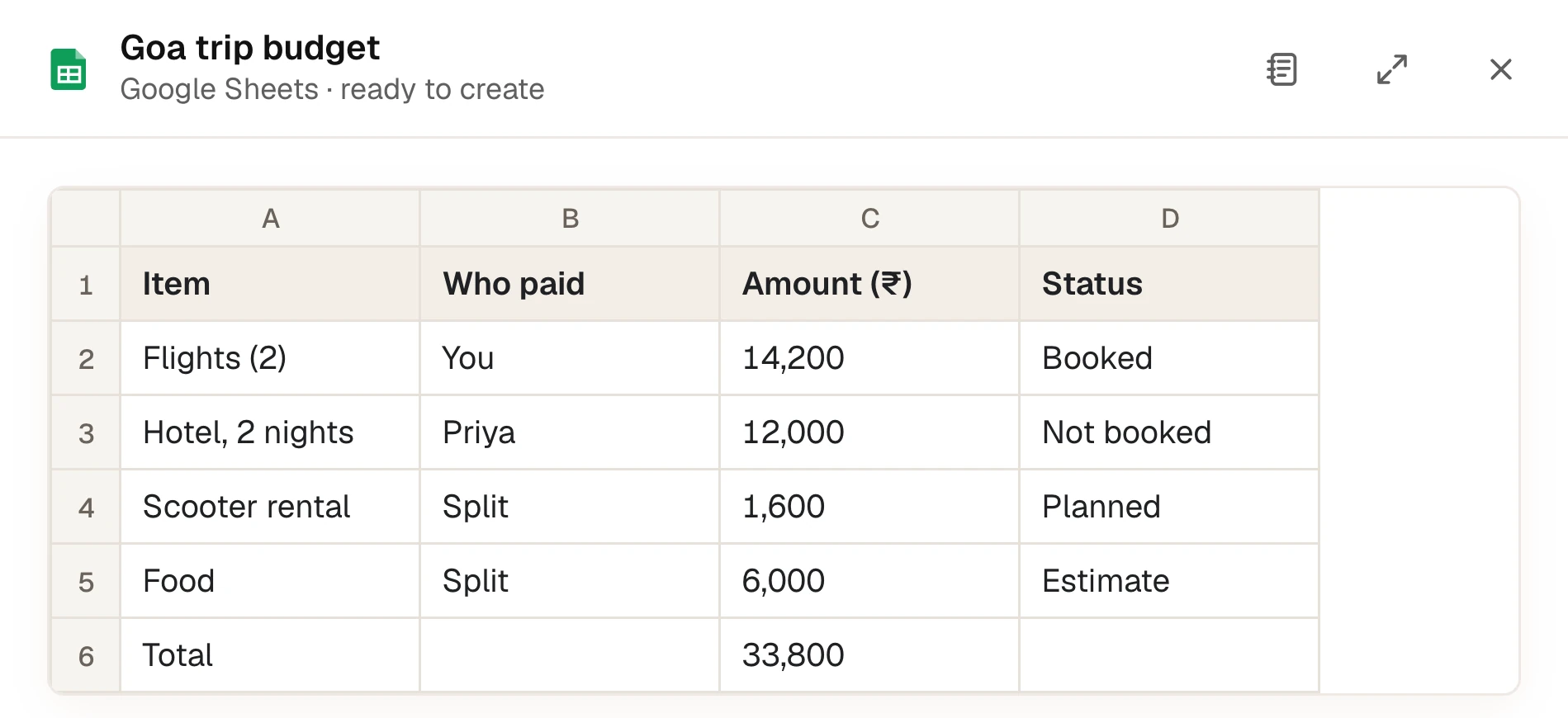
From what was said.
It uses your meetings, chats and mail, and lists what it used under the answer.
In your tone.
Short if you write short. It learns how you write to each person.
Part of your plan.
Basic includes 2 documents or decks a month and Plus includes 50. Pro has no limit.
Next featureAgents